
First, a confession. Ever since parting out my Threadripper 1950X system during the Covid times, I've been switching machines at a fast rate. Largely, I was completely unsatisfied with the performance and capabilities of the subsequent machines, and I likely shouldn't have sold off the Threadripper. The last machine I had was an Intel 13900HX laptop with a 4060 in it. It was... fine. It did have some annoying quirks, but the biggest flaw with that machine was that the fans would randomly spin up when the machine was doing very little. That may sound like a non-issue for some, but these were small fans with a high pitch that was extremely annoying. Deciding to just finally be done with changing machines constantly, I bough a Mac Studio (M4 Max, 1TB SSD, 48GB RAM, 16 CPU cores, 40 GPU cores). This, I thought, would provide me with enough CPU power to handle normal work loads, enough GPU to handle AI workloads, and as Civilization runs natively on macOS, I'd even get my favorite game series. Naturally, that macOS is a UNIX system, this also worked for me.
Thing is, Apple Intelligence is still... yeah. So, what to do? Running local LLMs has become extremely easy. I reached for the same tool I'd been using on Linux, LMStudio. Next, I tossed in aider:
pip3 install aider-install
aider-install
I then added the two required environment variables to my .bashrc:
export LM_STUDIO_API_KEY=dummy-api-key
export LM_STUDIO_API_BASE=http://localhost:1234/v1
Enabling the LMStudio API isn't difficult either:
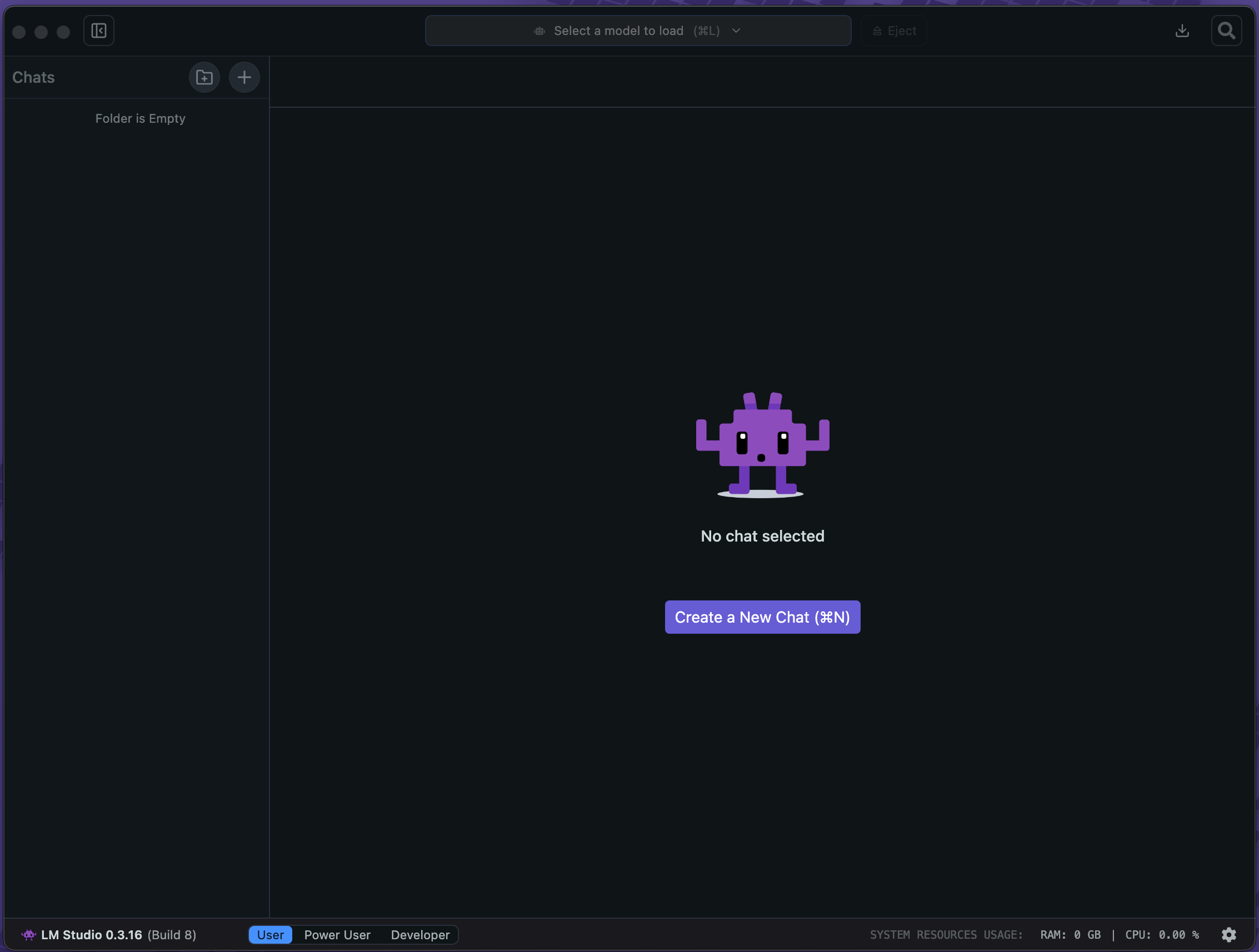
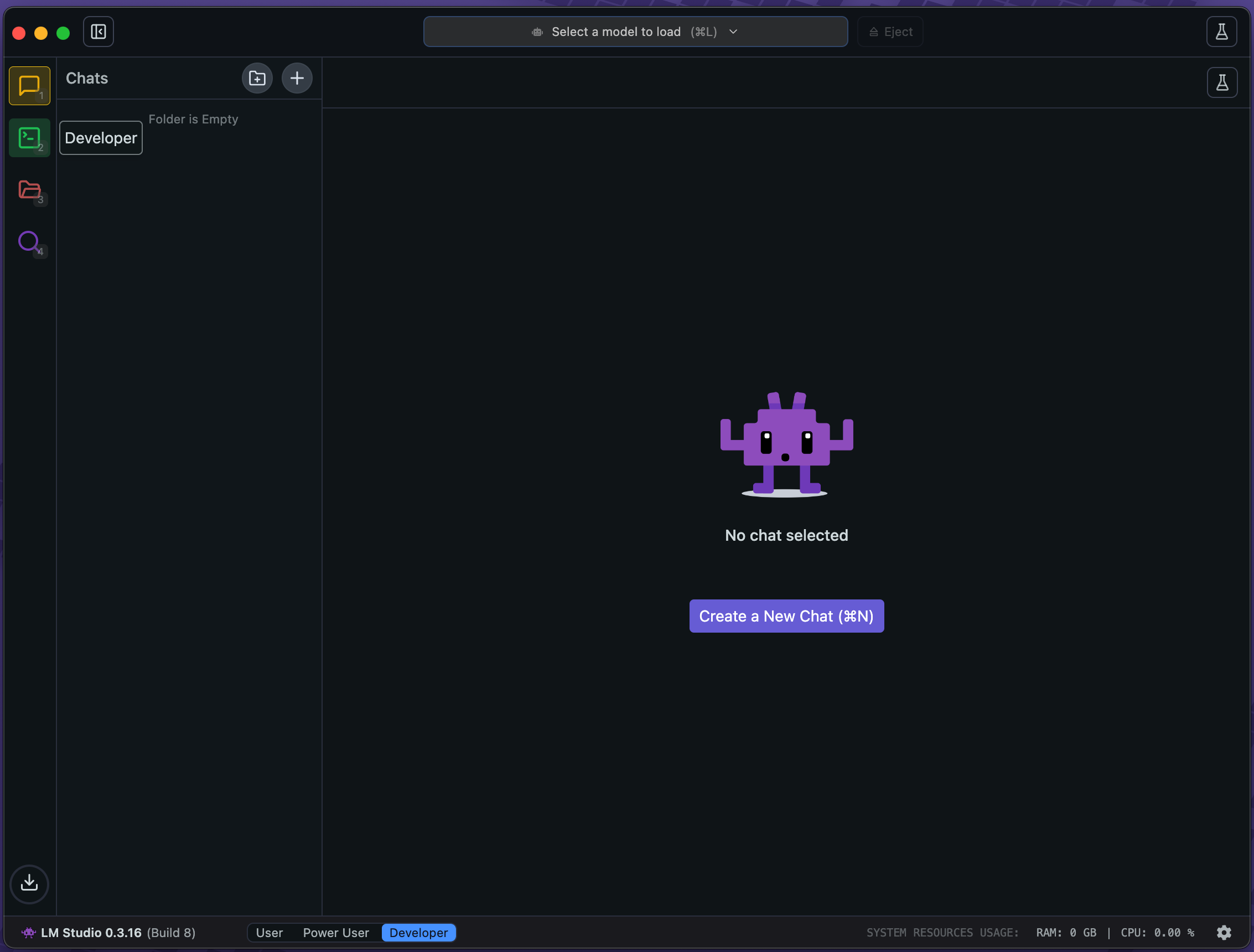
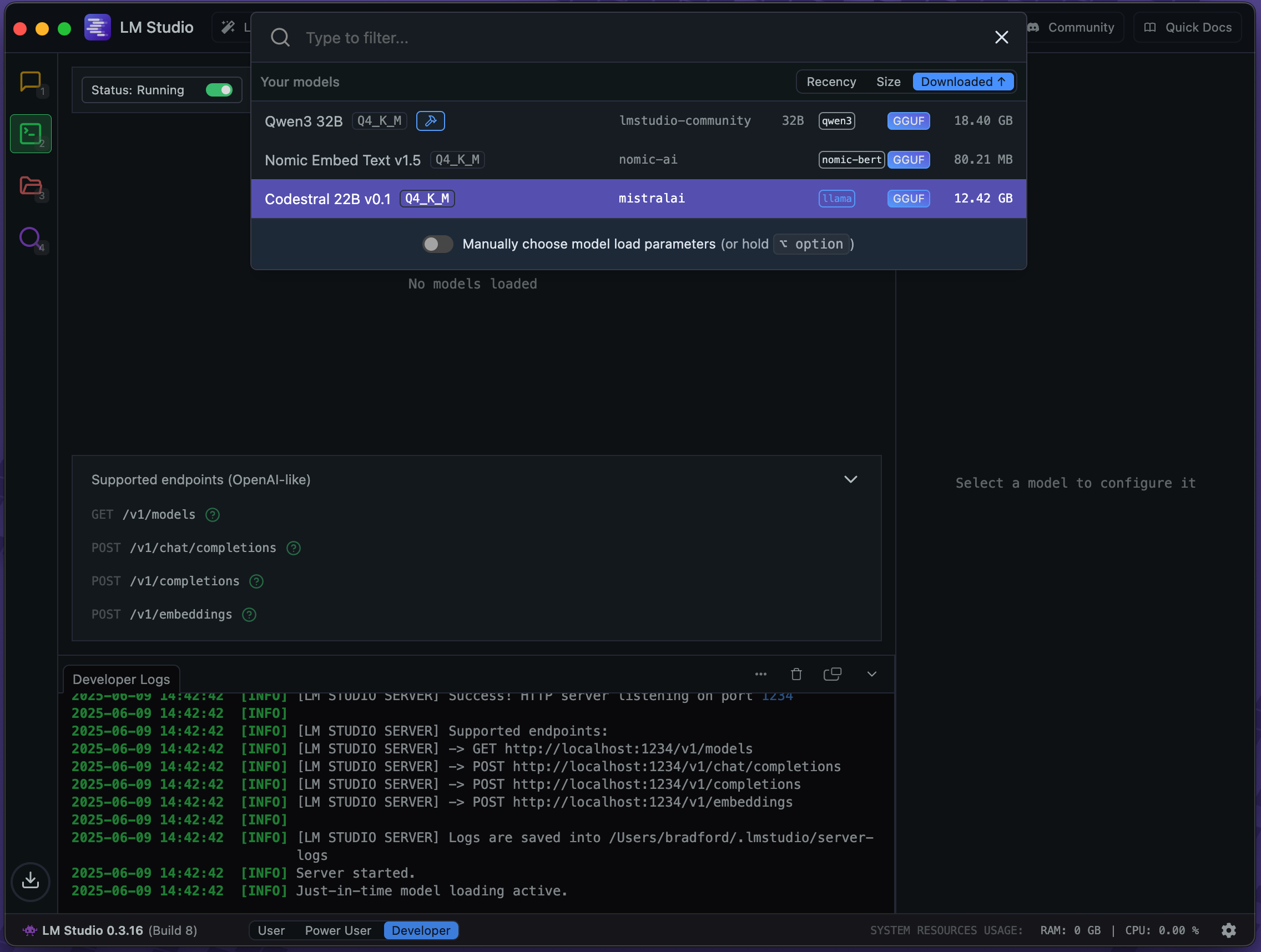
Then, for a test, I created a new PHP Laravel project, and had aider look at the artisan command's file.
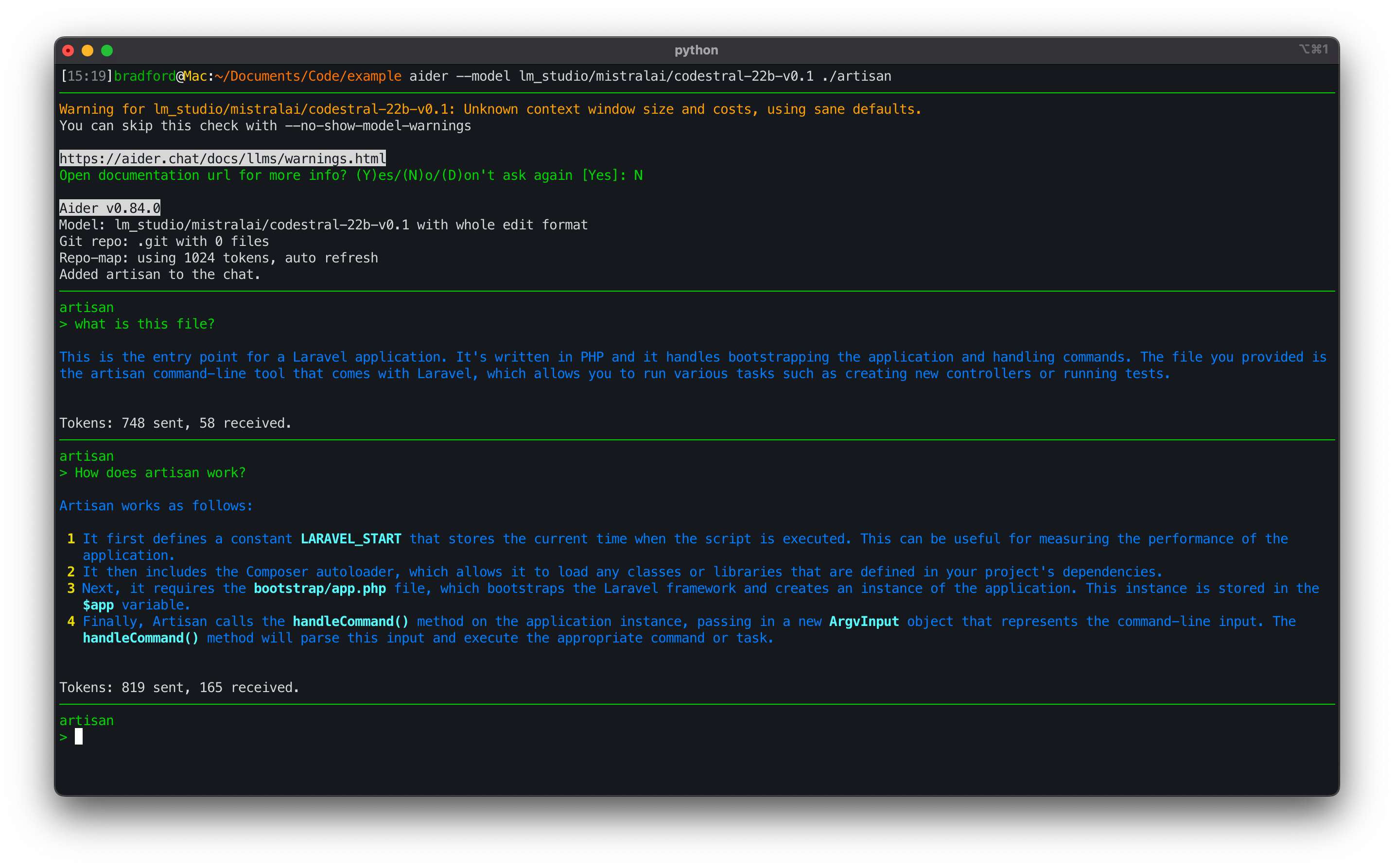
On the Mac Studio, this setup is fast enough to be quite useful. Particularly, the ability to have aider use a model to examine old code, or code I didn't write is convenient. In doing some basic checks, the model is usually accurate.
© MMIX - MMXXVI,
Bradford Morgan White
Licentiam Absurdum